
How to View
Vasari on your TV
There are several easy ways to enjoy Vasari Streaming Art on your television. Choose the option that matches your setup below.
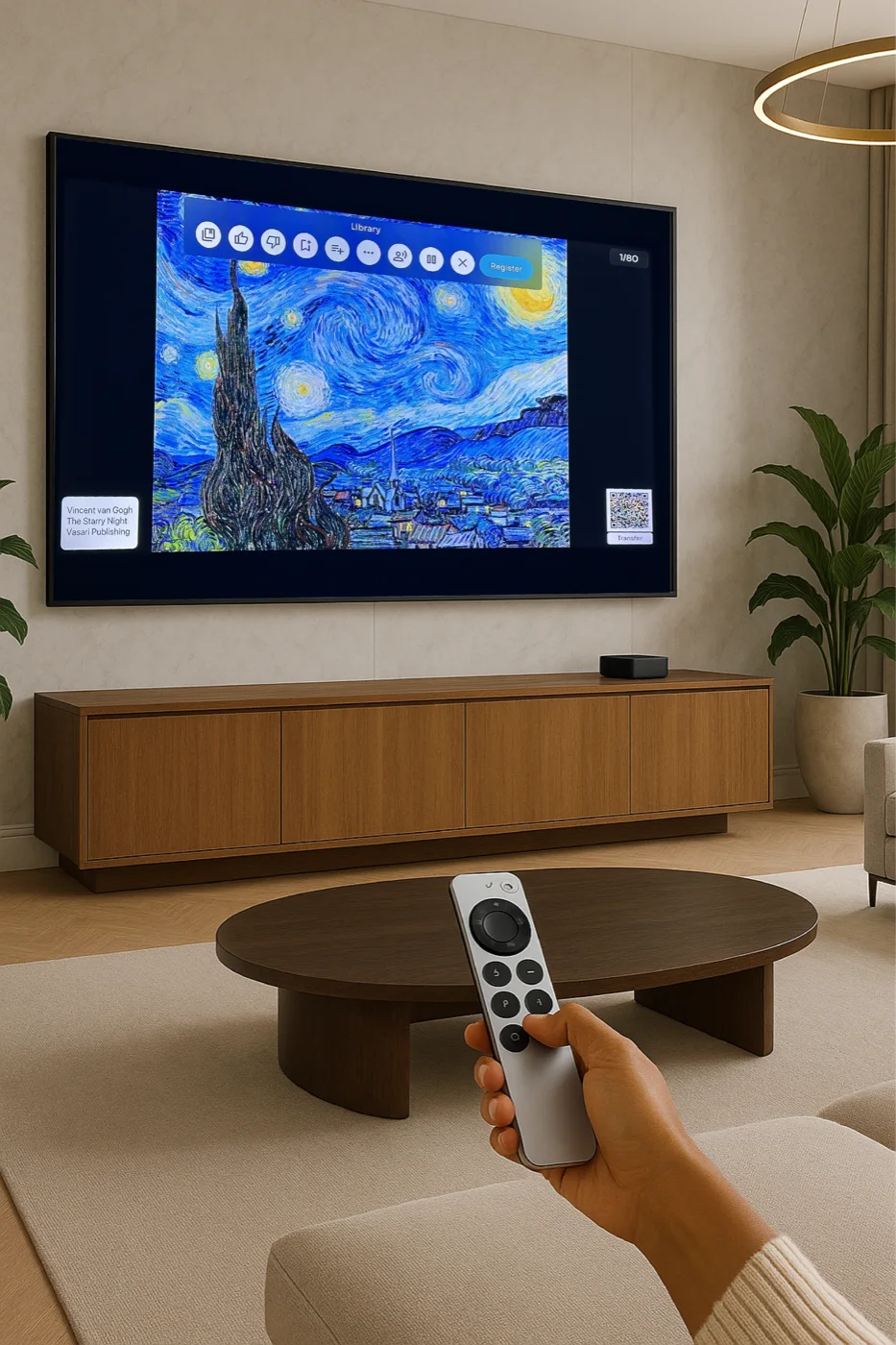
Apple TV
-
Install the app
- Go to the App Store on your Apple TV and search for Vasari.
- Install the Vasari app and open it to begin viewing instantly.
-
Register your account
- Press the center button on your Apple TV remote to bring up the Vasari Action Bar.
- Navigate to Register and select it.
- Scan the QR code displayed on your screen with your phone.
- Enter your mobile number or email, then accept the terms on your phone.
- Your TV will automatically connect to your Vasari account.
-
Once registered, you can
- Like or Dislike artworks
- Add favorites
- Customize your sequences
Tip: You can also find the registration QR code in your Vasari Library. Access it by clicking or swiping ‘Up’ on your Apple TV remote.
Android & Amazon Fire TV
-
Find Vasari
- Open the Google Play Store on your Android TV.
- Search for Vasari Streaming Art and install the app.
-
Register
- Open the app and enhance your viewing experience by scanning the QR code in the Vasari Library to register using your mobile device.
LG & Vizio Smart TVs
For most late-model LG and Vizio smart TVs, the Vasari app is available directly in the TV’s App Library. Simply search for Vasari, install, and begin viewing.
Vasari Streaming Art Stick
-
Order the stick
- Order your Vasari Art Stick from the Vasari Store.
-
Set it up
- Follow the simple setup instructions found here.
-
Start streaming
- Once connected, the Vasari app will launch automatically - scan the QR code to register and start streaming art customized sequences instantly.