

Streaming
Art Stick
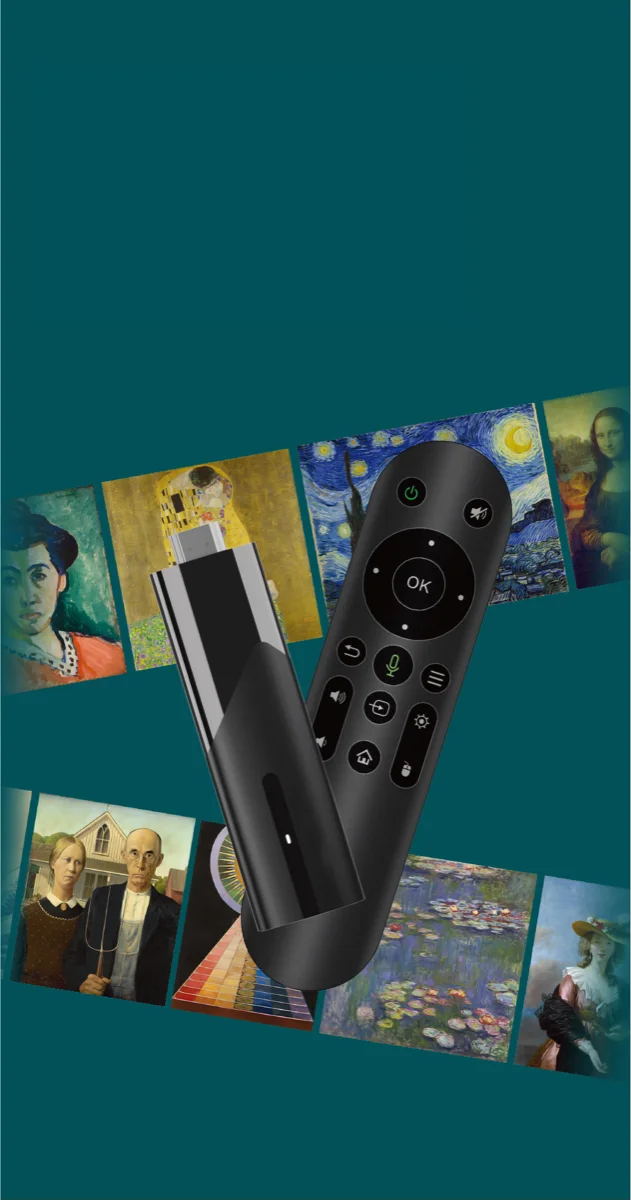
The Vasari Streaming Art Stick transforms your TV, projector, or monitor into a dynamic digital art gallery by streaming a curated selection of artworks directly to your screen. With seamless WiFi connectivity and a user-friendly remote pairing process, it offers an effortless way to refresh your space with an ever-changing display of art.
Installation Instructions
-
Prepare the Remote
- Insert 2 AAA batteries into the remote (batteries are not included).
-
Set Up the Art Stick
- Connect the USB-C cable to the stick.
- If needed, attach the HDMI extender to the stick.
-
Connect to the TV
- Plug the stick into an available HDMI port on your TV.
- Connect the USB end of the cable into a USB port on your TV.
-
Power Up and Configure
- Switch your TV’s input to the corresponding HDMI channel.
- Wait for the stick to boot up; you should see a screen prompting you to pair the remote.
-
Pair the Remote
- Press and hold both the left and right buttons on the remote for 10 seconds, until you notice a red light blinking.
- The app should then recognize and connect to the remote.
-
Connect to WiFi
- When prompted, select your WiFi network and enter your credentials.
- Once connected, the app will finish loading and begin streaming your art.
Watch the Installation Tutorial
A short walkthrough of unboxing, pairing the remote, and getting your first sequence on screen.